AI-assisted CAM programming: how it works
A practical guide, without magic promises: what artificial intelligence can do today in CAM programming, where it gets its information and why the final decision stays with the technician.
Guide3 min readAXIONICS editorial team
The problem: the know-how exists, but it is scattered
In a company that has been working for years there is no lack of know-how. It is in the programs already made, in customer drawings, in material datasheets, in machine manuals and above all in the heads of the most experienced programmers. The problem is finding it when it is needed: when a new drawing arrives, the programmer often starts from scratch even though the archive already holds an almost identical part.
Artificial intelligence in CAM programming exists for this: to link the new part to everything the company already knows, and to turn it into a first proposed program the technician can check.
Step 1: read the part like a programmer
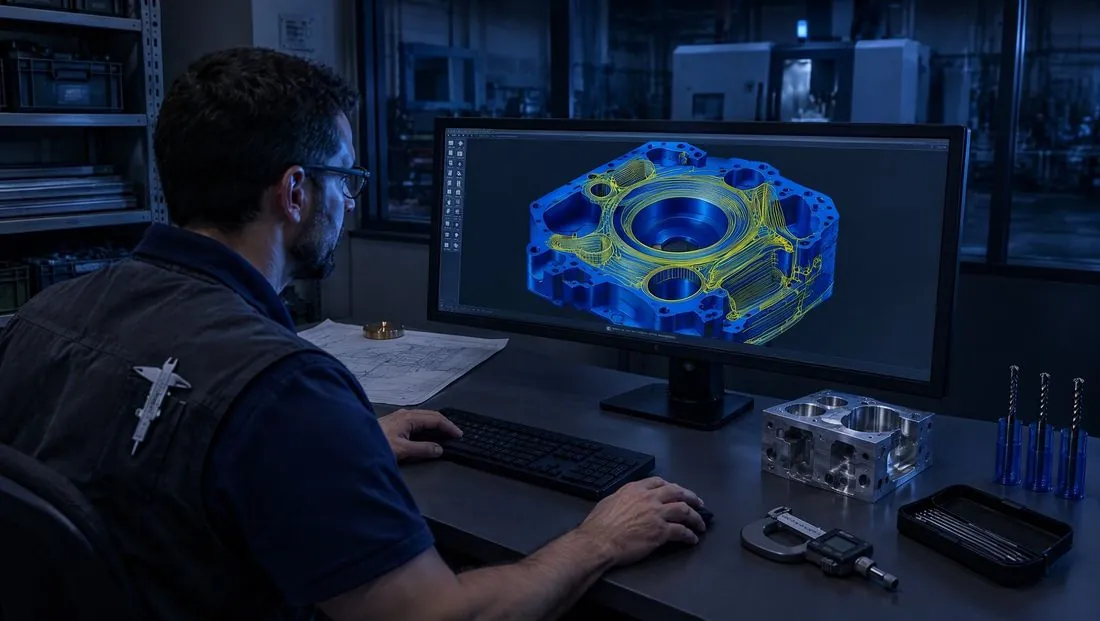
Everything starts from the files the customer sends: the PDF drawing and the STEP 3D model, sometimes a DXF or an existing CNC program. The model does not stay an attachment: its geometry, surfaces, features such as holes, pockets and contours, file quality and machinability clues are extracted. From the drawing come dimensions, threads, tolerances, material and title-block notes.
Reading drawing and model together matters: the model gives the shape, the drawing says what really counts, for example a tight tolerance or a thread that does not show in the 3D model.
Step 2: find the work already done
Every part uploaded enters the company's memory: a search index for text and a map of links between projects, materials, features, tools and strategies. From here you can find projects that are similar in shape or drawing, not just in name, and see how they were machined.
This is what sets production intelligence apart from the copilots built into CAM software, which know the program but not the company: the proposal does not come from abstract rules but from what has already worked in that company, with those machines and those tools.
Step 3: ask only for what is missing
Before proposing anything, AXIONICS checks for gaps: the material is missing, it is unclear whether the machine is 3-axis or 5-axis, there is no post-processor, the stock is not declared. It asks only those questions, in the language of production, then writes a step-by-step plan: drawing analysis, solid analysis, strategy, list of operations with tools. You correct the plan by talking.
Step 4: build and verify in the CAM
Only when the technician asks does AXIONICS move to execution: it builds the operations in the CAM the company already uses, generates the program and runs an automatic check. If the check finds a problem, such as a toolpath cutting into the part or a thread without the right pilot hole, the program is rejected and corrected before reaching the technician.
On this site's Machining page you can see three real cases, including two programs rejected and corrected by the check.
Step 5: the decision stays with the technician
The finished program waits. The technician reads the check result, checks the choices against their sources, corrects where needed and approves. Without an explicit yes no program goes to the machine. Every step is logged: who asked what, what the system proposed, who approved.
What artificial intelligence should not do
- It should not guess: if a piece of data is not in the documents, it says so instead of inventing it.
- It should not send programs to production on its own.
- It should not hide its sources: every choice must be checkable.
- It should not replace the CAD, the CAM or the management system: it works inside the tools the company already uses.
In short
Good AI for CAM programming reads the part, finds the work already done, asks only for what is missing, builds and verifies the program and leaves the decision to the technician. The AI model is interchangeable; the company's memory is not. That is where the value lies.