CAM Intelligence
From the drawing to the proposed program, inside the project page. Tell the assistant what you need and follow the job to the check result.
It starts from the real part
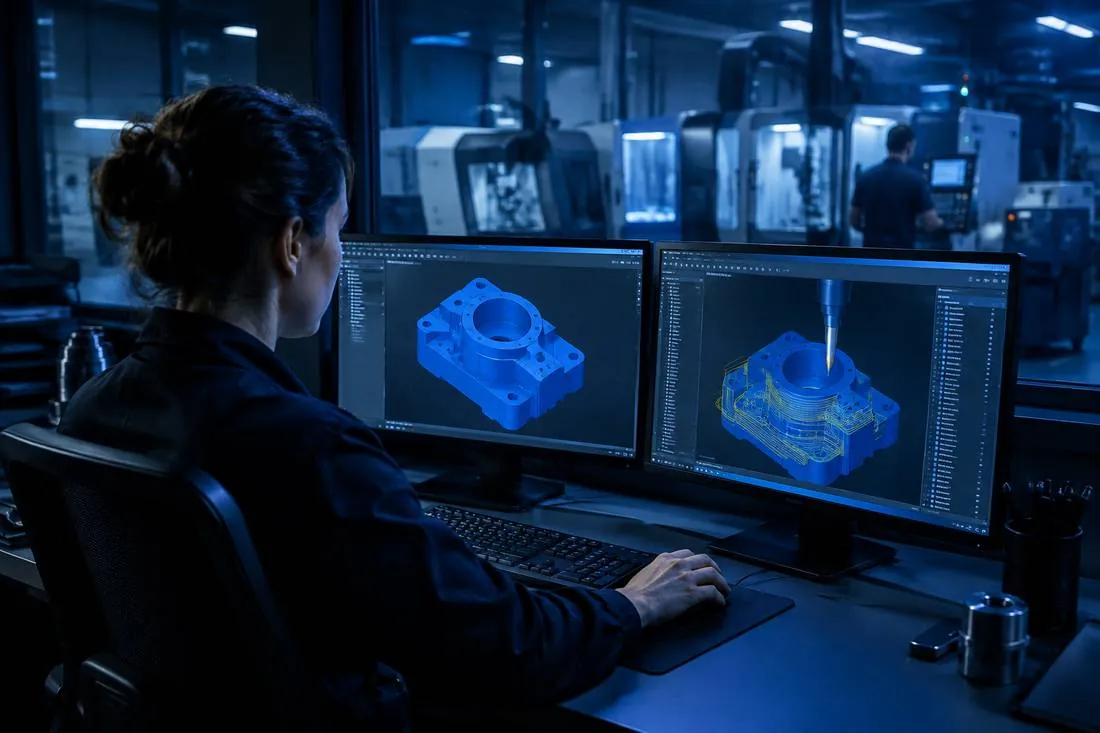
It reads the project's drawing and 3D model: shapes, dimensions, material and stock.
It uses the company's tools
Operations are proposed with the tools and machines in your catalogue.
It waits for your approval
The program is verified in the CAD/CAM software and waits for your approval.
AXIONICS works inside the project page, not in a generic chat. It already knows the drawing, the 3D model and the part data that have been uploaded, so it does not ask for codes or job numbers: it only asks for what is really missing, such as the material, the machine, the stock or the post-processor.
The work happens in two stages. First AXIONICS thinks: it reads the drawing and the solid and writes a step-by-step plan with the drawing analysis, the strategy and the list of operations. You correct the plan by carrying on the conversation, in the language of production.
Then, only when asked, it executes: it builds the operations in the CAM, generates the program and verifies it. The result comes back to the project, together with the machine file and the NC program to read and download. Until there is an explicit approval, no program goes to the machine.
You can also start from an existing job and ask for a variant, for example the same part without two side holes: AXIONICS starts again from the program already made instead of from scratch.
How it works
- 1
Open the project
Drawing, 3D model and part data are already on its page.
- 2
Ask the assistant
Write what you need: the job starts and you follow it in the Machining tab.
- 3
Check and approve
Read the check result, correct where needed and approve.