
Product
AI for CAM programming.
AXIONICS works inside the flow the company already uses: it writes the first draft of the program and shows where every choice comes from.
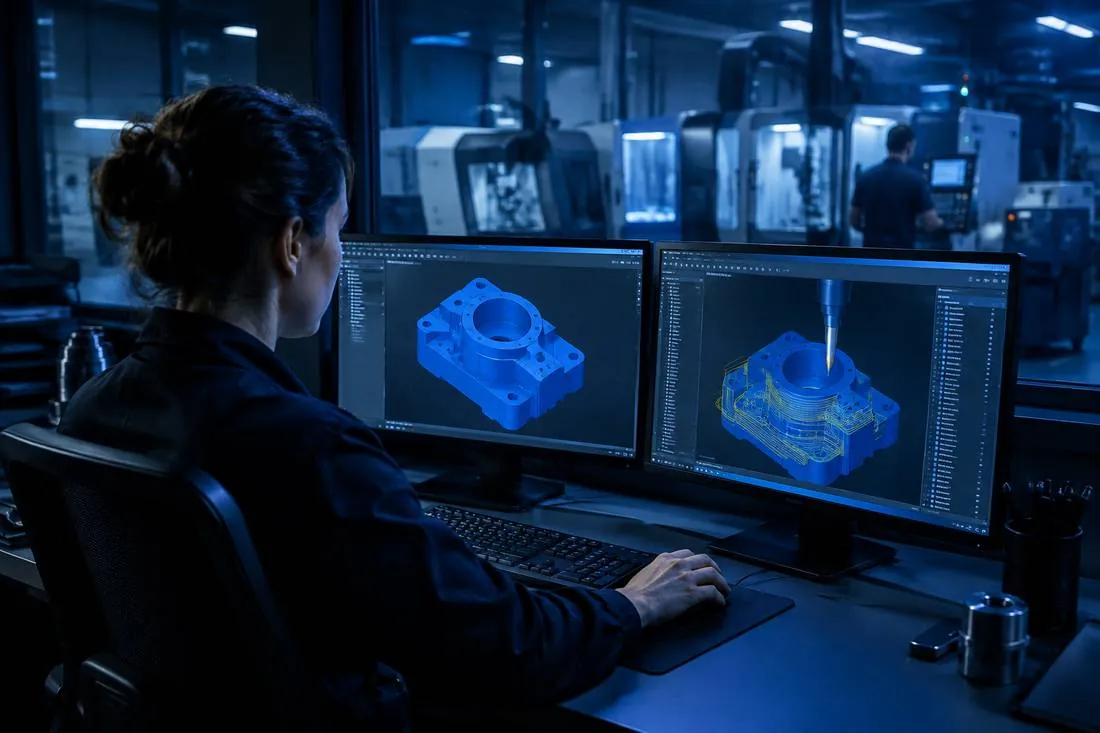
Four steps. The last one always belongs to the technician.
- 1
You upload the drawing
The PDF and the STEP model of the part, as they arrive from the customer.
- 2
It searches the company's memory
Similar projects, material datasheets, tools and machines already used.
- 3
It proposes the program
The operations in the CAD/CAM software, each with its explanation and its sources.
- 4
The technician approves
They check, correct where needed and approve. Only then does the program go to the machine.
All the company's know-how, in one place.
Example
Ask as you would ask a colleague
The answers cite the projects and documents they come from, so you can check them.
Learn moreCAM Intelligence
From the drawing to the proposed program, with the operations in order and the tools from your catalogue.
Learn moreMaterials catalogue
Datasheets read and organised in a single catalogue you can keep up to date.
Learn moreProject map
Projects, customers, materials and operations linked together: you see at once what has already been done.
Learn moreFind similar parts
Every project has its 3D model. Start from one part and find the ones that resemble it, with the work already done.
Learn moreThe job, step by step
Follow every AXIONICS job from the part to the result: the ones waiting for you are always at the top.
Learn moreRoles and activity log
Everyone does only what their role allows, and every action is logged.
Learn moreQuotes from past jobs
Numbered, tracked quotes, with a suggested price only when a similar job has already been done.
Learn moreExpert know-how, recorded
Records how an expert programmer works, with screen and voice, and brings it into the company's memory.
Learn moreIt works with the CAM you already have.
AXIONICS works inside the CAM the company already uses, without changing the way you work.
All CAD/CAM software
Milling on machining centres and CNC routers
- Reads the PDF drawing and the STEP model: dimensions, threads, tolerances, material and title block
- Proposes the operations with your company's tools and cutting data
- Builds the job file inside your CAD/CAM software
- Post-processes and automatically verifies the NC program, which waits for the technician's approval
The technician always decides
AXIONICS proposes, the programmer approves. No program reaches the machine without explicit approval.
Every answer has its sources
Every suggestion shows the project or document it comes from.
Access under control
Users, roles and permissions managed by the administrator, with a log of all activity.
Your data stays under your control
AXIONICS installs on the company's own servers or in a dedicated cloud. Each company's data stays separate from the others.
Frequently asked questions
All questionsWhat is AXIONICS?
AXIONICS is an artificial intelligence system for CAM programming in manufacturing companies. It reads the part drawing, finds the jobs already done and prepares the proposed program. The technician checks, corrects and approves.
How is it different from the copilots built into CAM software?
The copilots built into CAM software help you use that program. AXIONICS starts from the company: it knows past jobs, materials, tools and machines, and uses that memory to propose the program. It works inside the CAM the company already uses, without replacing it.
Which files do I need to get started?
The PDF drawing and the STEP 3D model of the part, as they arrive from the customer. You can also add DXF files and existing CNC programs.
Does the program go to the machine on its own?
No. The program is verified in the CAM and waits for the technician's approval. No program reaches the machine without explicit approval.
Where do the drawings and company data stay?
AXIONICS can be installed on the company's own servers, inside its network, or in a dedicated cloud environment. In both cases each company's data is kept separate from the others and every access is logged.
How can I check where an AXIONICS choice comes from?
Every suggestion shows the project or document it comes from, and one click opens the cited source. Material properties also show the datasheet they were extracted from.