
Find similar parts
Every project has its 3D model. Start from one part and find the ones that resemble it, with the work already done.
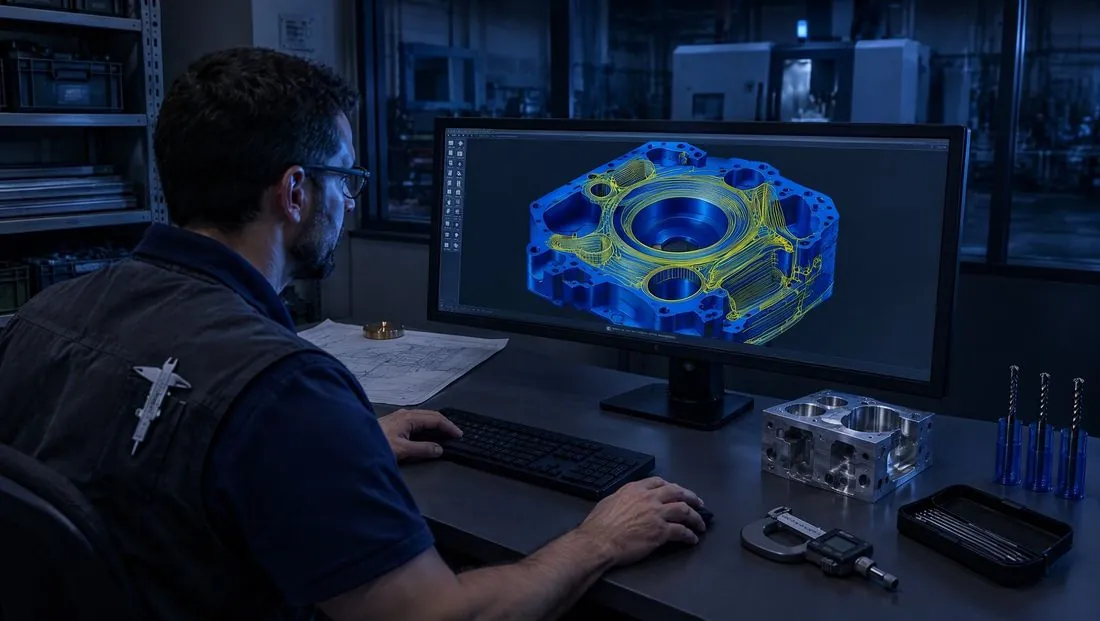
Compared by shape
Similarity is computed on the part's geometry, not its name.
With the work attached
For each similar part you see operations, tools and program.
A starting point
AXIONICS uses these jobs for its proposal.
The STEP model does not stay an attachment. AXIONICS extracts its geometry, surfaces, features and topology, and adds it to the company's memory together with the drawing. From then on you can ask whether something similar already exists and get projects that are close in shape or drawing, not just in name.
For each similar part you see the operations, the tools used and the program. This is where AXIONICS starts: instead of inventing a strategy, it starts again from what has already worked in the company.
The same similarity also helps whoever prepares quotes: a close job already done says a lot about the time and cost of the new part.
How it works
- 1
Choose a part
From the archive or from a new drawing.
- 2
Look at the similar ones
Ranked by similarity, with a 3D preview.
- 3
Start again from there
Open the closest job and reuse it.